/gallery is the whole public catalogue — every model the community has shared, searchable and sortable, with category pages (organizers, brackets, decor, and so on) in the subnav when you want to browse one kind of thing.
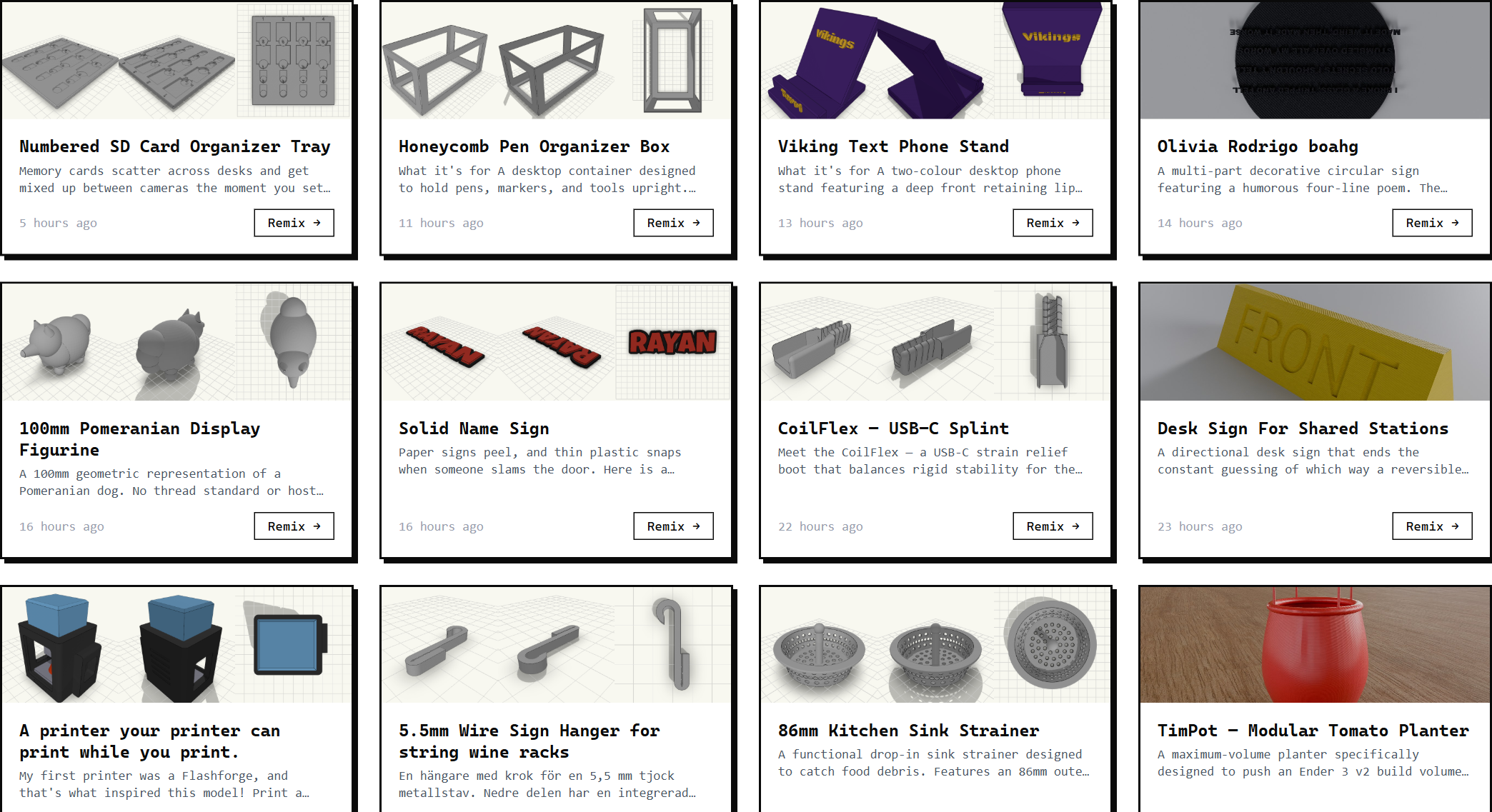
Click a card to open the public model page. From there you can:
- Spin the full 3D preview — multi-piece models show their coloured, labelled parts.
- See the print specs (auto-computed from the STL bounding box — width, height, depth in mm).
- Download it: STL for everyone, or OBJ and 3MF when you're signed in.
- Copy a share link.
- Remix it.
- Report it, if it shouldn't be up.
You don't need an account to browse, view, or download from the gallery.
Print specs are right there. On every public model page, the print specs panel shows the bounding box in mm. Use it to sanity-check the part will fit on your build plate before downloading.
Remixing someone else's model
Hit Remix on any public model page. You land in a fresh build session with the parent design pre-loaded into the viewer and the AI primed with the parent's context. Just describe what you want changed.
“Same shape but 20% larger.”
“Same hook but for a 32mm rod instead of 25mm.”
“Same desk clip but with a USB-C cutout on the front.”
Your remix is its own model when you download — separate listing, separate URL, but it's tracked back to the parent. The parent's “Remixed N times” counter ticks up.
Use Remix instead of starting from scratch. If something in the gallery is close to what you want, remixing is faster than describing it from zero. The AI starts with the parent's geometry already in context.
Sharing your own
Every downloaded model has a permanent shareable URL like /m/cable-holder-25mm-desk-1xfg. The URL doesn't change. Ever. Drop it in Discord, send it to a friend, post it on Bluesky. Anyone with the link can view, download, or remix.
When the link unfurls on social, you get a proper preview card — three-angle thumbnail, model name, Printytron branding. Set up automatically.